
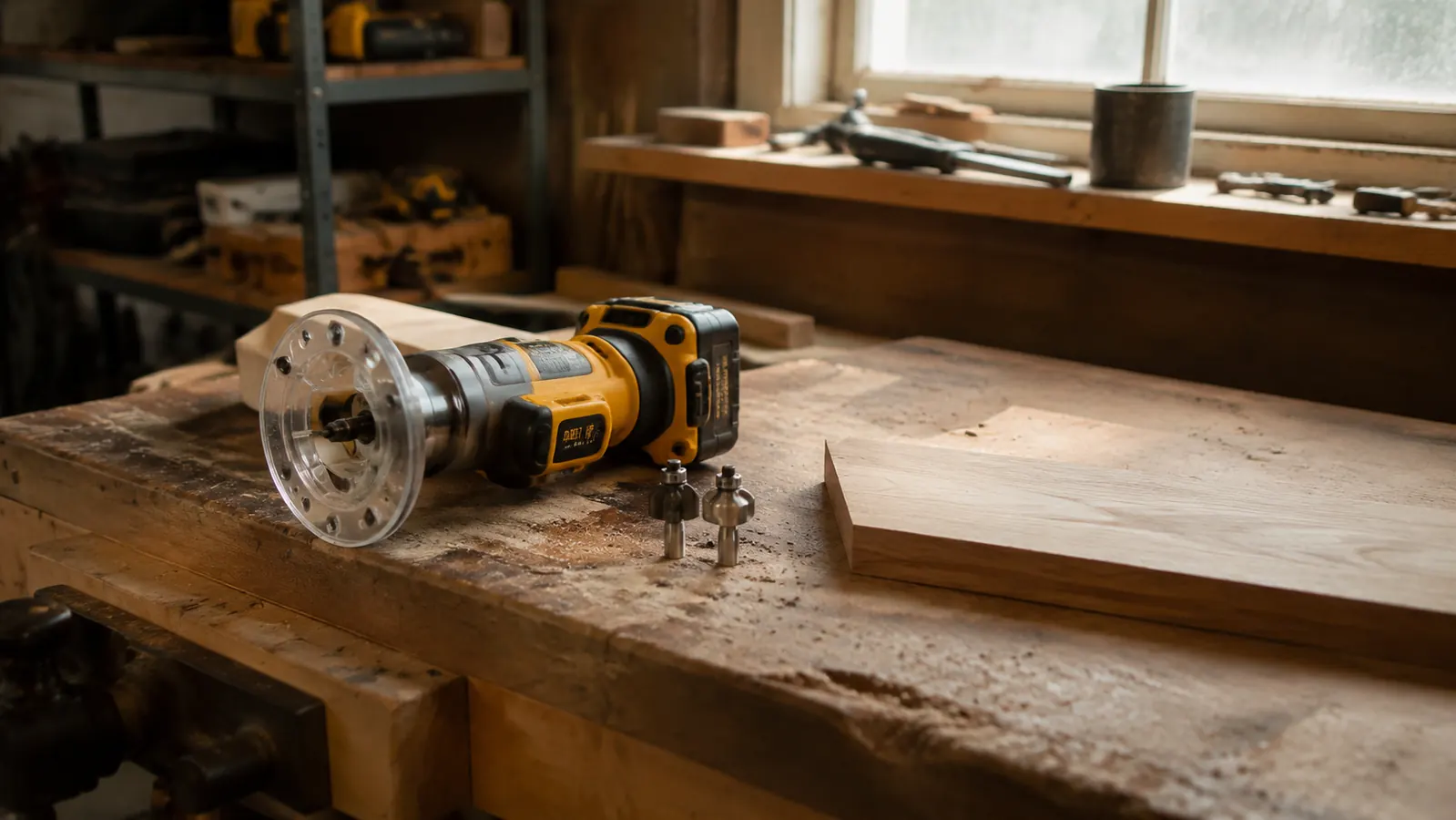
I dragged my old corded router out of the cabinet last spring, just to remind myself why I stopped using it. Cord yanking across the bench, hunting for the right outlet, re-routing the cable every time I needed to flip a board. Two minutes of that and I put it back. The DeWalt DCW600B has been handling everything in my one-car garage shop for two years now, and I want to give you the honest version of what that's actually been like. Not the unboxing take. The real one, after 24 months of edge profiles, dadoes, hinge mortises, and one ill-advised attempt at a decorative rope profile I will not be repeating.
One thing I will say upfront, because I wish someone had said it clearly to me: this is a tool-only purchase. The DCW600B does not ship with a battery or charger. You need a DeWalt 20V MAX battery to run it. If you are already in the DeWalt 20V MAX ecosystem with a drill, circular saw, or sander, that is a genuine advantage because your existing batteries work here too. If you are starting from scratch with no DeWalt batteries at all, budget for at least one 5Ah 20V MAX battery alongside the router itself. A 2Ah pack will run the router but you will be swapping often. The 5Ah is the right starting point for shop sessions.
The Quick Verdict
The DCW600B is the most practical router I have owned for a home shop. Freedom from the cord matters more than I expected, the brushless motor handles hardwoods without complaint, and two years in it still tracks true. Cons are real but manageable: no battery included, depth micro-adjustment takes some getting used to, and heavy template work drains a 5Ah pack faster than you might hope.
Amazon Check Today's Price →Still fighting your cord every time you route an edge?
The DCW600B runs on the DeWalt 20V MAX platform you may already own. Brushless motor, variable speed from 16,000 to 25,000 RPM, and no cord to manage. Check today's price before you spend another Saturday untangling.
Amazon Check Today's Price on Amazon →How I Have Used It for Two Years
My shop runs about three to four hours on a typical weekend afternoon. I make furniture pieces, mostly case goods and small tables, the occasional cabinet door frame. Routing shows up in nearly every project: edge profiles on tabletops, rabbets for cabinet backs, dadoes for shelf pins and dividers, and hinge mortises when I am building anything with a door. That's the real-world mix the DCW600B has been handling session after session.
In the first six months I used it primarily for edge work. I was routing roundovers and chamfers on ash and white oak, which are not forgiving woods. The brushless motor never bogged down the way my old mid-range corded router would when it hit reversing grain in figured oak. By month eight I was confident enough to use it for dadoes in plywood cabinet sides, running a straight bit with a straightedge fence clamped to the panel. That is where the cordless freedom really showed up: I could flip 48-inch cabinet panels on the bench without managing a cord draped across the edge or fishing for a new outlet position.
The hinge mortise work came after I built a set of shop cabinets with frame-and-panel doors in late year one. I made a simple hinge mortise template from scrap MDF using a pattern bit, then switched to a guide bushing and straight bit for cutting the mortises themselves. The DCW600B handled it consistently across 24 door stiles without drifting depth between the first and last mortise. That kind of repeatability matters when you are fitting door hinges and you do not want gaps.
The Brushless Motor: What It Means in Real Shop Use
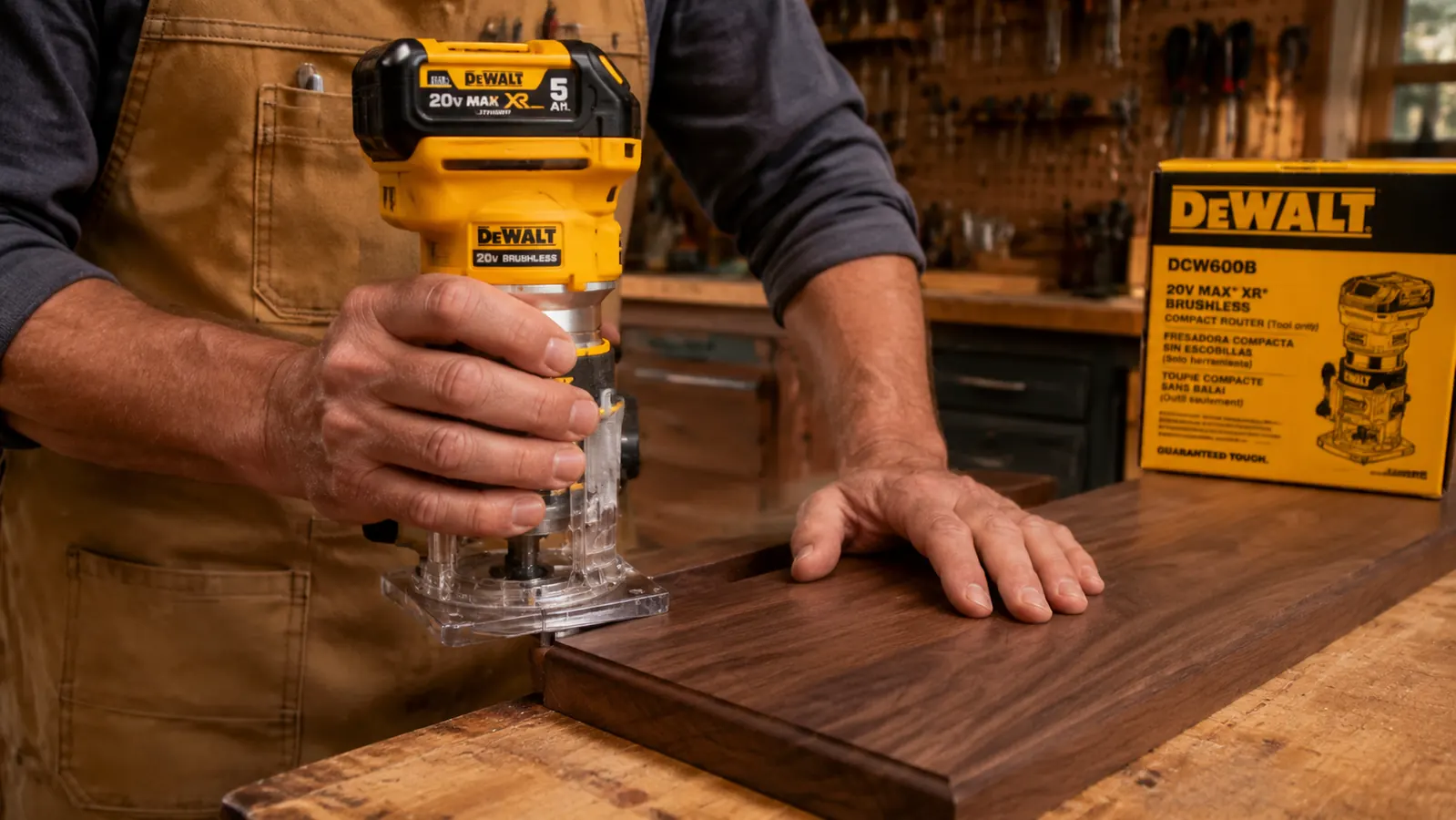
I was skeptical of cordless routers before I owned one. My assumption was that battery power meant compromised performance, specifically that you would lose RPM under load and get tearout or burning on harder woods. That has not been my experience with the DCW600B. The brushless motor holds speed under load better than a brushed motor would, because the motor electronics compensate for load rather than just bleeding RPM the way a brushed motor does when it starts to work hard.
In practical terms, I have run a 1/2-inch spiral upcut bit through 3/4-inch hard maple for dado work and the motor did not struggle. I still take reasonable passes rather than trying to hog out full depth in one shot, but that is just good routing practice regardless of your tool. Where I did notice limits is on very aggressive single-pass cuts in very dense material. Running a large cove bit in one full-depth pass through hard maple would strain any router at this size, and the DCW600B is no different. Respect the tool, take staged passes at half depth or less for heavy cuts, and it performs consistently.
Variable speed runs from 16,000 to 25,000 RPM and I actually use that dial rather than leaving it at maximum. Larger diameter bits run better at lower speed, and I drop the dial when I am using a 1-1/4-inch roundover or a raised panel bit. Small straight bits for dadoes get full speed or close to it. The speed dial is easy to reach without setting the router down, which sounds like a small thing but matters when you are mid-cut and need to adjust on the fly.
The brushless motor holds speed under load in a way that changed how I think about cordless tools. It does not feel like a compromise. It feels like a tool.
Depth Adjustment: Better Than Expected, With One Caveat
The fixed base on the DCW600B uses a threaded rack-and-pinion system for depth adjustment. You loosen the locking lever, rotate the motor housing relative to the base to raise or lower the bit, and re-lock. The adjustment is smooth and the locking lever holds firmly. In two years of regular use I have not had a depth setting slip during a cut, which was my biggest concern coming from experience with cheaper corded routers that had unreliable plastic locking collars.
The caveat is dialing in very fine adjustments. When I need to sneak up on a dado depth by a few thousandths, the rack-and-pinion system requires patience and a deliberate light touch. I eventually made a simple depth-setting block from scrap oak, one face milled to exactly the depth I want, to speed up the process. Set the bit to the block surface, lock the depth, and move on. Once you develop that habit you stop thinking about the adjustment mechanism. But the first few projects involve some trial and error, and I did burn through a few test pieces early on getting comfortable with fine depth work.
Battery Life Under Real Routing Loads
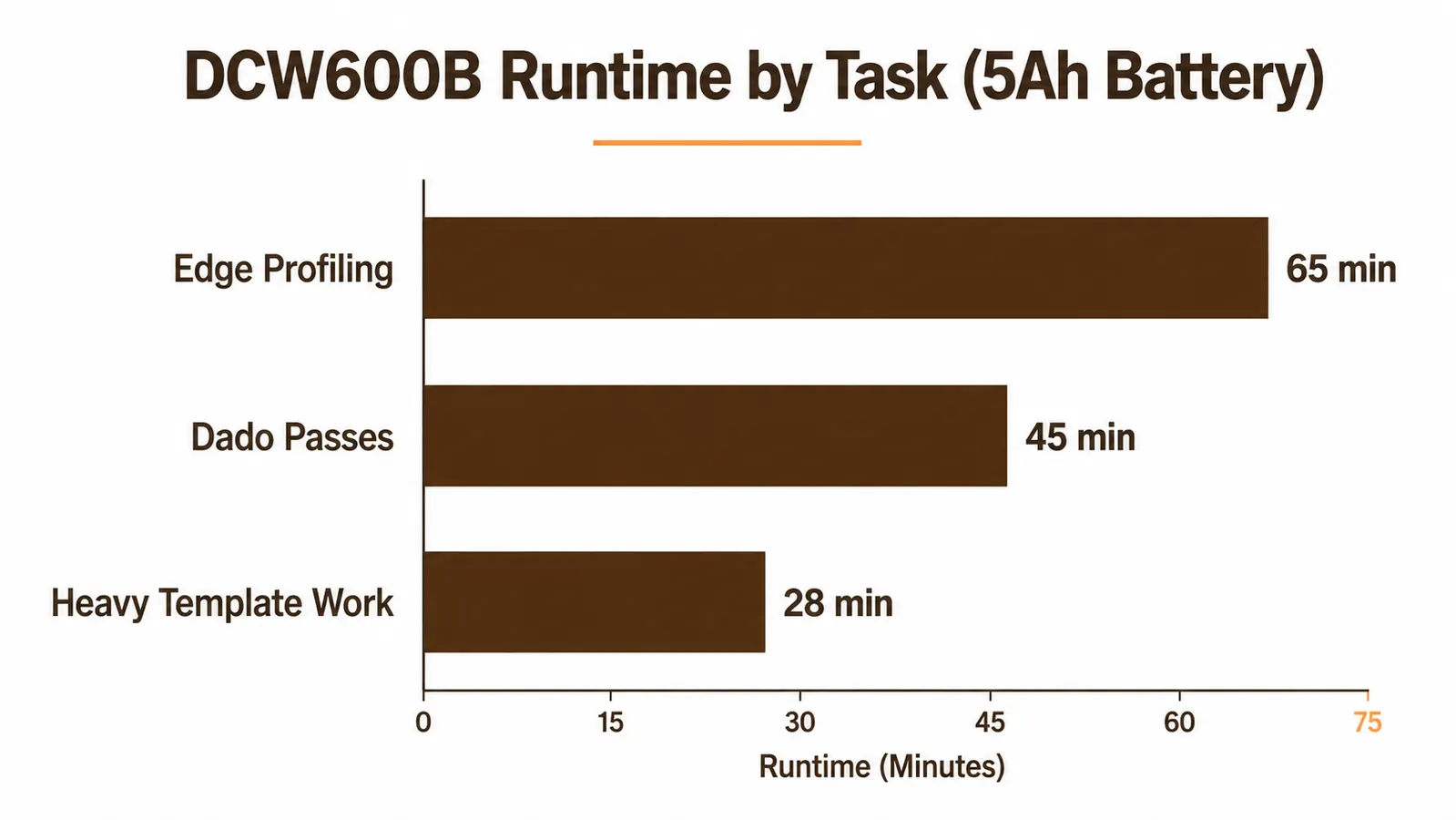
This is the honest section, because battery life is where cordless routing has the most meaningful tradeoffs. Runtime depends entirely on what you are doing. Light edge profiling along the perimeter of a tabletop, on a fully charged 5Ah battery, runs well over an hour without issue. I have done full afternoon edge sessions on a single charge without once reaching for the charger. That work is intermittent by nature: you rout a pass, reposition, rout another pass. The motor is not under continuous load.
Dado work is more demanding. You are running the motor under load for the entire length of a cut, and if you are doing a full sheet of cabinet sides you are making a lot of passes. On a heavy dado session through 3/4-inch plywood I watch the charge indicator more carefully and plan to have a second battery charged.
The most demanding scenario I have run is sustained template routing with a guide bushing, which keeps the motor under more consistent load than intermittent edge passes. On my hinge mortise session across 24 cabinet doors I swapped batteries once. One full 5Ah pack got me through about 14 doors before it was showing two bars and slowing slightly. Not a crisis. I grabbed the second battery and finished. But it is worth planning around if you have a long template session ahead.
My recommendation: own two 5Ah batteries if you do anything more than occasional short sessions. One is workable. Two means you never pause a project waiting for a charge. The 20V MAX platform shares batteries across drills, impact drivers, circular saws, and sanders, so any extra battery you buy for the router gets used everywhere else in the shop too.
Base and Bit Compatibility: What Works and What to Know
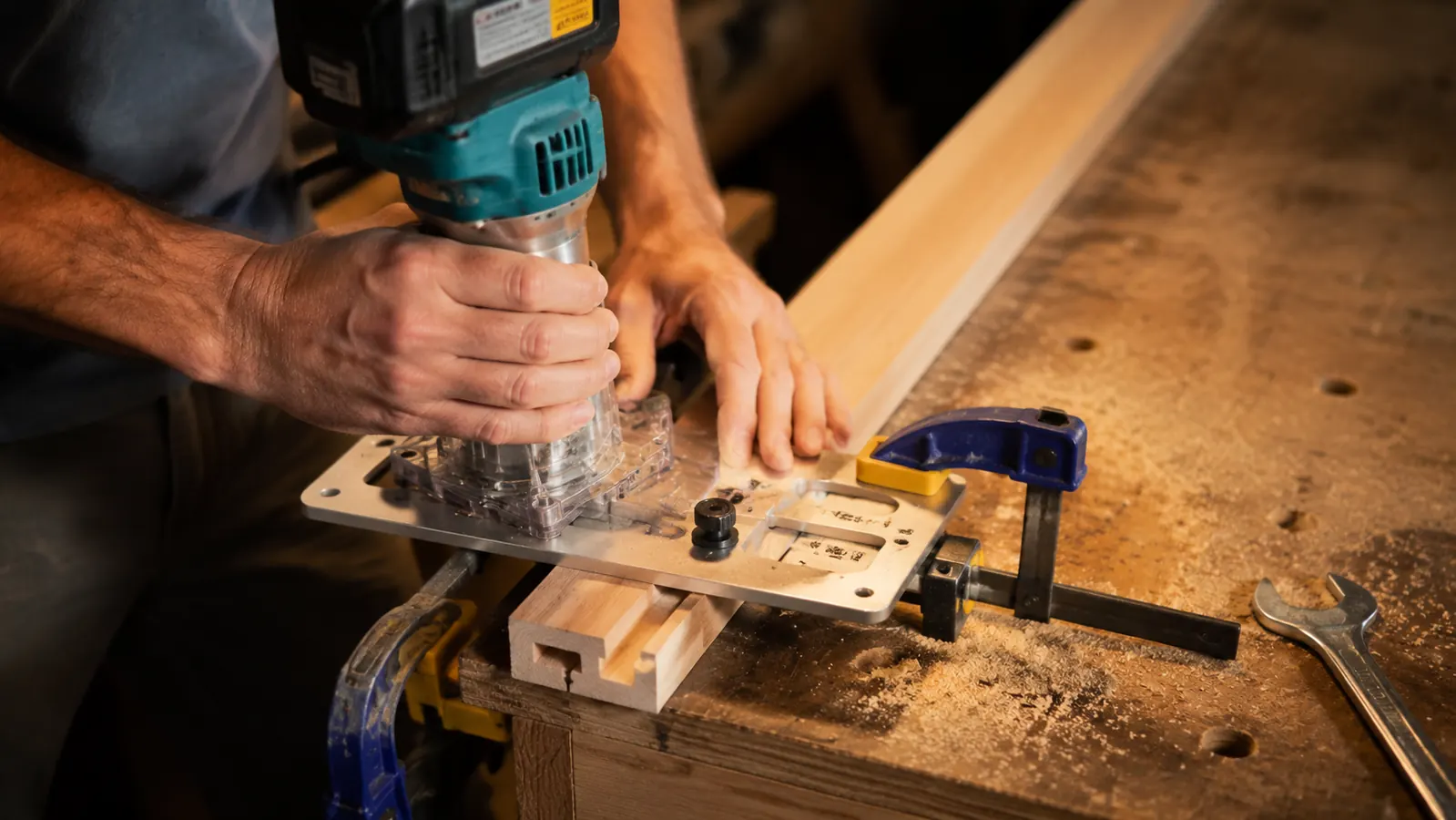
The DCW600B ships with a fixed base and accepts both 1/4-inch and 1/2-inch shank bits via the included collets. The collet nut mechanism is solid and I have had no bit creep or slippage across any of my sessions, including during long dado runs where side pressure on the bit is highest. The fixed base has a standard 6-inch sub-base footprint that works with most aftermarket guide bushings and fence systems. I use a Milescraft fence system on it and it attaches without modification.
The motor unit is compatible with DeWalt's DW618 series plunge base, which is a significant practical point if you do mortise work or stopped dadoes. You do not need a separate plunge router. The DCW600B motor drops directly into the DW618 plunge base and operates as a full plunge router. I picked up a used DW618 plunge base for around thirty dollars and the fit is seamless. That combination covers essentially every routing task I encounter in the shop.
The stock sub-base visibility is acceptable but not exceptional. On a 5-inch sub-base you can see your layout line well enough for most operations. For close work near a scribed line, a clear aftermarket sub-base makes a difference. Rockler makes one that fits the DCW600B and I added it at month three. Five minutes to swap, and it is a meaningful improvement for precision work.
What the DCW600B Gets Wrong
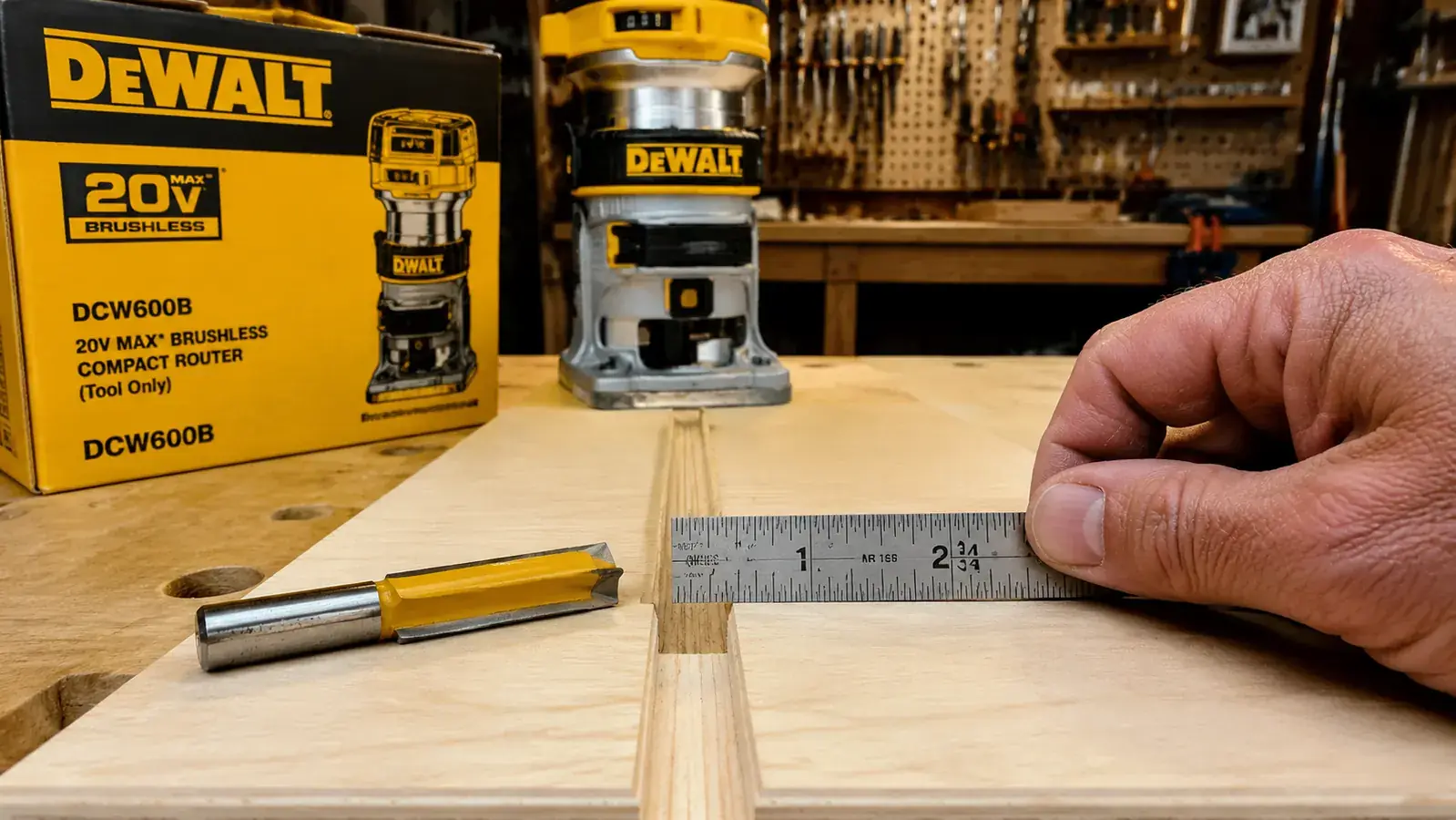
The depth scale printed on the fixed base is not precise enough to rely on for joint work. I use a steel depth gauge every time I set a critical depth rather than trusting the molded scale. Treat it as a rough starting reference and verify with a gauge. This is a common limitation across routers at this price point, but worth stating plainly rather than glossing over.
There is no edge guide included since this is a bare tool purchase. I use a third-party fence and it works well, but if you are new to routing and buying your first setup, factor in the cost of a fence system. You will need one for straight-line work like dadoes and rabbets.
Weight is also worth acknowledging. The DCW600B with a 5Ah battery is around 7.5 pounds total. That is heavier than a compact corded trim router and comparable to a full-size corded model. For the first hour it is fine. For sustained freehand sessions on large panels or overhead work, you feel it in your forearms by hour two. This has not been a dealbreaker for my shop sessions, but it is real and I am not going to pretend otherwise.
What I Liked
- Brushless motor maintains RPM under load in hardwoods without bogging or burning
- Cordless freedom is a genuine quality-of-life improvement for small shop work
- Compatible with DeWalt DW618 plunge base for mortises and stopped dadoes
- Depth lock holds firmly through entire cuts with no slip or creep
- Both 1/2-inch and 1/4-inch collets included, accepts all standard router bits
- Variable speed dial reachable mid-operation without setting the router down
- Shares battery platform with other DeWalt 20V MAX tools across the shop
Where It Falls Short
- Tool only purchase, no battery or charger included
- Fine depth micro-adjustment requires patience and a reference block to dial in precisely
- Molded depth scale is not accurate enough for critical joint work
- Weight with a 5Ah battery is noticeable on long freehand sessions
- Sustained template routing drains a 5Ah pack in under 45 minutes of continuous use
- No edge guide included, third-party fence system needed for straight-line cuts
Who This Is For
The DCW600B is the right choice for the home shop woodworker who is already in the DeWalt 20V MAX ecosystem or who plans to build one. If you are doing a mix of edge profiling, dado and rabbet work, and occasional template routing in a garage or basement shop, this router handles all of it without meaningful compromise. The cordless setup pays off most in smaller shops where cord management is a genuine irritation, or when you are doing work at the bench rather than at a dedicated router table. The freedom to pick up the router, walk it over to a clamped workpiece, and start cutting without hunting for an outlet or sorting out where the cord goes is something I undervalued before I had it.
Who Should Skip It
If you are not in the DeWalt 20V MAX ecosystem and do not plan to be, the economics shift. You would be buying a router and then adding at least one battery and a charger, and the total cost is higher than a capable corded router from Bosch or Porter-Cable. See the DCW600B versus Bosch 1617EVS comparison if you are weighing cordless against corded and want a direct side-by-side. Also, if you primarily use a router table with a fixed mounted router rather than handheld work, a corded option is simpler and more cost-effective for that setup. And if you are doing high-volume production routing where the tool is running for hours at a stretch, a corded router will outlast any battery-powered option without the interruption of battery swaps.
For more on what the DCW600B can do with a dado jig and a straight bit, see my guide to cutting dadoes and rabbets with a cordless router. That article covers the fence setup, depth sequencing, and bit choices I use for cabinet shelf dado work, including how to avoid tearout on the exit side of a cross-grain dado.
Two years in, I would buy the DCW600B again without a second thought.
If you are in the DeWalt 20V MAX platform and you have been managing a routing cord long enough, this is the router to fix that. Check today's price on Amazon and factor in a 5Ah battery if you do not already own one.
Amazon Check Today's Price on Amazon →